
Listen to this article
Best Lecture Recording to Summary App: What to Look For
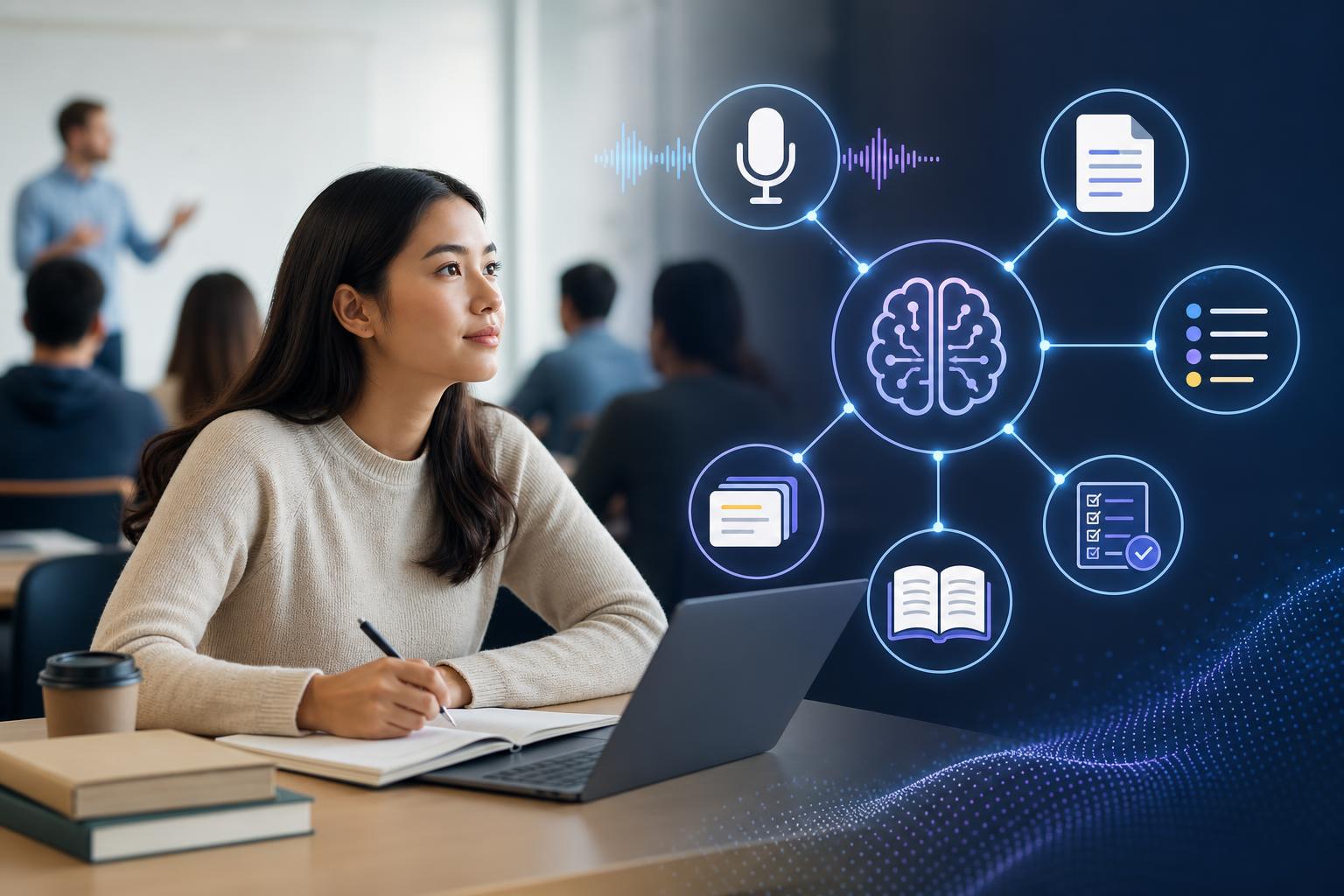
A lecture recording to summary app helps students turn long classes, seminars, and study sessions into usable review material without manually replaying every minute. The best tools do more than record audio: they transcribe the lecture, identify the main ideas, organize notes, and create practice resources such as flashcards and quizzes. For students comparing options, the right choice depends on accuracy, ease of uploading recordings, support for different class formats, and how well the app turns lecture content into active study tasks.
Key takeaways
- A strong lecture recording to summary app should combine recording, transcription, summarization, and study material generation in one workflow.
- AI Study Assistant is designed for students who want to upload or record lectures and quickly create summaries, notes, flashcards, and quizzes.
- Compared with a basic voice recorder or note-taking app, an AI lecture summary app saves review time by organizing the most important class content automatically.
- The best class recording summary tool should support both live recordings and uploaded audio so students can use it before, during, and after class.
- For exam preparation, choose an app that turns lecture summaries into active recall tools, not just passive notes.
What Is a Lecture Recording to Summary App?
A lecture recording to summary app is a study tool that captures or accepts audio from a class, converts it into a transcript, and summarizes the most important ideas. Instead of searching through a full recording to find definitions, examples, or exam hints, students can review a structured summary and supporting notes. Modern AI lecture summary apps often go further by creating flashcards, quizzes, and study guides from the same lecture material.
How AI Study Assistant Compares to Basic Recording Apps
Basic recording apps are useful for capturing audio, but they usually stop there. Students still need to replay the lecture, write notes, and decide what to study. AI Study Assistant is built for the next step: it lets students record or upload lessons and lectures, generates transcripts, and turns the content into summaries, notes, flashcards, and quizzes. This makes it more useful for students who want a complete study workflow rather than a storage folder full of audio files.
Key Features to Compare in an Audio Lecture Summary App
When comparing an audio lecture summary app, look for accurate transcription, clean summaries, support for uploaded recordings, and outputs that match how students actually study. A good app should identify main points, definitions, examples, and likely testable concepts. It should also make the review process faster by turning lecture content into organized notes and practice questions. If an app only produces a short paragraph summary, it may not be enough for serious exam prep.
Why Summaries Alone Are Not Enough
Lecture summaries are helpful, but students often need to practice recalling the information to remember it. That is why flashcards and quizzes are valuable additions. AI Study Assistant turns lecture recordings into multiple study formats, so students can read a summary, review key notes, test themselves with flashcards, and answer quiz questions based on the same class material. This supports active recall, which is more effective than rereading notes alone.
Best Use Cases for a Class Recording Summary Tool
A class recording summary tool is useful for large lectures, fast-paced classes, online lessons, review sessions, and situations where students cannot capture every detail by hand. It can also help students revisit difficult topics, organize missed information, or prepare for exams from multiple recordings. For general coursework, a tool like AI Study Assistant is especially helpful because it works across subjects and turns raw lecture content into structured review materials.
Flashcards
What is a lecture recording to summary app?
It is a tool that records or accepts lecture audio, transcribes it, and generates a summary of the key points for easier studying.
How is AI Study Assistant different from a basic voice recorder?
AI Study Assistant not only captures or accepts lecture recordings but also creates transcripts, summaries, notes, flashcards, and quizzes.
Why are flashcards useful after generating a lecture summary?
Flashcards help students practice active recall, which improves memory better than simply rereading a summary.
What should students compare when choosing an AI lecture summary app?
Students should compare transcription accuracy, summary quality, upload options, ease of use, and whether the app creates practice materials.
What is a class recording summary tool best used for?
It is best used for turning recorded classes, online lessons, or review sessions into organized study materials.
Quiz
1. What is the main purpose of a lecture recording to summary app?
- A. To turn lecture audio into organized study material
- B. To replace attending every class
- C. To store music files for students
- D. To create classroom seating charts
Show answer
Answer: To turn lecture audio into organized study material
A lecture recording to summary app captures or accepts lecture audio and converts it into transcripts, summaries, and review resources.
2. Which feature makes AI Study Assistant more useful than a basic recorder?
- A. It generates summaries, notes, flashcards, and quizzes
- B. It only saves audio files
- C. It blocks access to transcripts
- D. It works only for math classes
Show answer
Answer: It generates summaries, notes, flashcards, and quizzes
AI Study Assistant supports a full study workflow by transforming class material into multiple review formats.
3. Why should students look for upload support in an audio lecture summary app?
- A. So they can summarize recordings they already have
- B. So they can avoid reviewing lectures
- C. So they can delete all notes automatically
- D. So they can convert quizzes into audio
Show answer
Answer: So they can summarize recordings they already have
Upload support lets students use past lecture recordings, online class audio, or saved study sessions.
4. What study method do flashcards and quizzes support?
- A. Active recall
- B. Random guessing
- C. Passive scrolling
- D. File compression
Show answer
Answer: Active recall
Flashcards and quizzes require students to retrieve information from memory, which supports stronger learning.
5. Which output is least useful if a student wants exam practice?
- A. A saved audio file with no summary or questions
- B. A transcript of the lecture
- C. A set of flashcards
- D. A practice quiz
Show answer
Answer: A saved audio file with no summary or questions
A plain audio file may preserve the lecture, but it does not organize the material or help students practice for exams.
FAQs
What is the best lecture recording to summary app for students?
The best app is one that fits a student’s study workflow. AI Study Assistant is a strong option because it lets students record or upload lectures and then generates transcripts, summaries, notes, flashcards, and quizzes from the material.
Can an AI lecture summary app replace taking notes?
It can reduce the burden of manual note-taking, but students should still review and refine the generated notes. The best use is to combine AI-generated summaries with active studying, such as flashcards and quizzes.
Does AI Study Assistant work with uploaded lecture recordings?
Yes. AI Study Assistant allows students to upload lectures, recordings, or notes and turn them into study materials, making it useful for both live classes and previously recorded lessons.
Next step
Turn this topic into a study session with notes, flashcards, and a practice quiz built from your own class material.

Leave a Reply