
Listen to this article
Best AI Lecture Transcription Apps for Students: Features to Compare
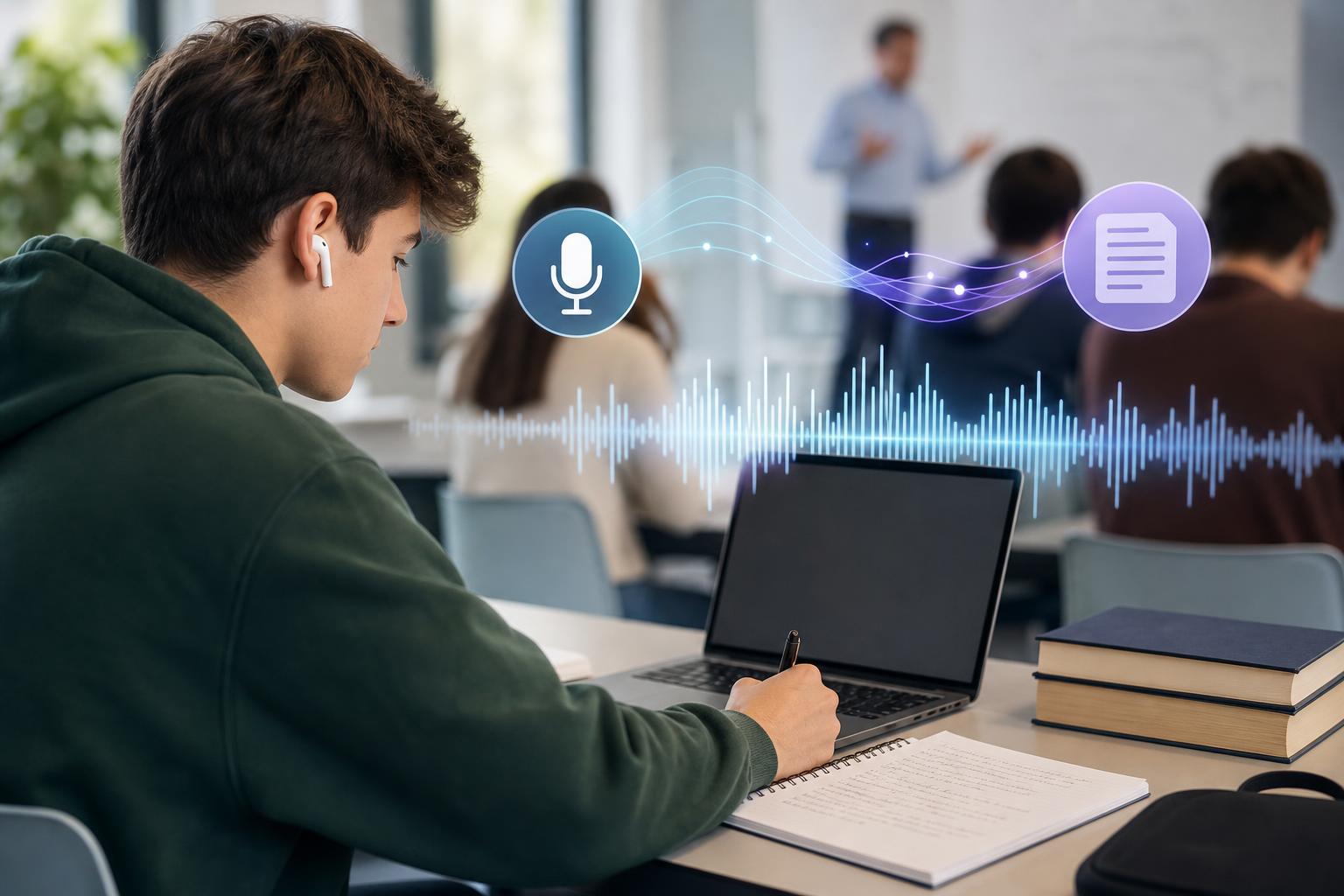
The best AI lecture transcription app for students is one that fits both the classroom workflow and the way a student reviews material afterward. A useful app should capture or import lectures reliably, produce an editable transcript, and help turn long recordings into summaries, notes, flashcards, or quizzes. AI Study Assistant is a strong option for students who want an integrated study workflow, while tools such as Otter.ai, Notta, Glean, and Microsoft OneNote may suit students with different priorities. Before choosing, compare recording and upload support, transcript accuracy, editing tools, mobile access, study-material generation, privacy controls, accessibility, and plan limits.
Key takeaways
- Choose an app based on the complete workflow—from capturing a lecture to reviewing it—not transcription accuracy alone.
- Look for support for both live recording and file uploads so you can handle in-person classes, online lessons, and existing recordings.
- Editable transcripts with timestamps, speaker labels, search, and audio-linked playback make it easier to verify important details.
- AI-generated summaries are useful, but flashcards and practice quizzes can provide a more active way to review lecture content.
- Check recording rules, school policies, consent requirements, privacy terms, storage limits, and deletion controls before capturing a class.
- Test shortlisted apps with the same sample lecture because audio quality, terminology, accents, and classroom noise affect transcription results.
Quick comparison of AI lecture transcription apps for students
Different tools emphasize different parts of the lecture-to-study workflow. • **AI Study Assistant:** Designed to record or upload lessons, generate transcripts, and turn class material into summaries, notes, flashcards, and quizzes. It is a practical choice for students who want transcription and active study materials in one app. • **Otter.ai:** Known for live transcription, searchable notes, speaker identification, and meeting-oriented collaboration. It may appeal to students who prioritize real-time capture and transcript review. • **Notta:** Supports recording, transcription, file imports, summaries, and multiple languages. It may be useful when broad format or language support is important. • **Glean:** Focuses on structured lecture capture and accessible note-taking for education. It may suit students who want to combine recorded audio with their own notes and organized review. • **Microsoft OneNote:** Offers flexible notebooks, audio recording, and a familiar note-taking environment. Available transcription-related features can depend on the Microsoft product, account, platform, and plan being used. Features, limits, prices, and platform availability can change. Verify current plan details before subscribing, especially for maximum recording length, monthly transcription allowances, upload support, exports, and AI study features.
The most important features to compare
**Recording and upload options:** The best app to record and transcribe lectures should support your usual class format. Check whether it can record directly on the web or phone, import existing audio or video, and process common file types. Offline capture or reliable background recording may matter in rooms with weak internet. **Transcript quality:** No student transcription app is perfectly accurate. Results depend on microphone placement, room noise, overlapping speech, accents, subject vocabulary, and recording quality. Test scientific terms, names, equations, and course-specific abbreviations. **Transcript editing and navigation:** Look for timestamps, audio-synced playback, search, speaker labels, highlighting, and simple correction tools. These features help you verify confusing passages without replaying an entire lecture. **Automatic study materials:** A lecture recorder with automatic notes can reduce setup time, but a summary alone encourages passive review. Students who want active recall should also compare flashcard and quiz generation, customization, and whether outputs stay linked to the original lesson. **Mobile and cross-device access:** Confirm that the app works on the devices you bring to class. Check recording controls, synchronization, battery demands, background behavior, and whether study materials are available on both mobile and web. **Exports and integrations:** Useful formats may include plain text, PDF, document, subtitle, or audio exports. Calendar, cloud-storage, learning-platform, and note-app integrations may also simplify a student's workflow.
How the leading options fit different student needs
**Best for an integrated study workflow: AI Study Assistant.** Students can move from a recorded or uploaded lesson to a transcript, summary, notes, flashcards, and quizzes. This reduces the need to copy lecture content among separate transcription and study apps. **Best for live, meeting-style transcription: Otter.ai.** Its real-time transcript and collaboration-oriented features can work well for discussion-heavy classes or study groups. Students should compare education needs with its current recording, import, and plan limits. **Best for flexible transcription and language use cases: Notta.** Its recording and file-processing tools may suit students handling varied media or multilingual content. Confirm that the required language, export, and summary features are included in the intended plan. **Best for structured, accessibility-oriented lecture capture: Glean.** Its education focus may help students who want to record lectures while adding their own labels or notes. Availability may depend on individual access or an institution's arrangements. **Best for students already using Microsoft notebooks: OneNote.** It can keep class notes, files, and recordings organized in one familiar workspace. However, students seeking automatic flashcards and quizzes may need additional tools, and transcription capabilities should be checked for their account and device.
A practical student transcription app comparison checklist
Use the same three- to five-minute lecture sample when testing each app. Include normal classroom noise and at least a few course-specific terms. Then score every tool from 1 to 5 on these criteria: 1. **Capture:** Can it record reliably on your phone or laptop? 2. **Uploads:** Does it accept your existing lecture audio or video format? 3. **Accuracy:** Does it correctly recognize terminology, names, and key claims? 4. **Verification:** Can you click a timestamp and hear the matching audio? 5. **Editing:** Is correcting text fast and intuitive? 6. **Organization:** Can you separate material by class, unit, or lesson? 7. **Summaries:** Does the output preserve the main argument, definitions, and examples? 8. **Active recall:** Can it generate editable flashcards and quizzes? 9. **Access:** Does it synchronize across your preferred devices? 10. **Privacy:** Are recording consent, storage, deletion, sharing, and AI-processing terms clear? 11. **Limits:** Are recording minutes, file sizes, exports, and study features sufficient? 12. **Value:** Does the app replace other tools, or will you still need multiple subscriptions? Do not judge a tool only by a polished summary. Compare its generated notes against the recording and your course materials to identify omissions or invented details.
Recording quality and transcript accuracy tips
Even the best AI lecture transcription software for students needs usable audio. Sit near the instructor when possible, keep the device microphone uncovered, and avoid placing it next to a laptop fan or rustling papers. A dedicated external microphone can help in large rooms, but it may not be necessary for ordinary classroom use. Start with a short test recording before class begins. Confirm that the correct microphone is selected and that the app continues recording when the screen locks or another app opens. For remote lessons, determine whether direct file upload will produce clearer results than recording sound through speakers. After transcription, verify dates, formulas, quotations, assignment instructions, medication names, technical vocabulary, and other high-stakes details. AI transcripts and summaries should support—not replace—your own attention, textbooks, instructor materials, and judgment.
Privacy, consent, and responsible classroom use
Always obtain any required permission before recording. An instructor, school, classmate, or guest speaker may have privacy rights, and recording laws vary by location. A disability accommodation or school-provided tool may also come with specific procedures. If recording is not allowed, upload permitted notes or instructor-provided materials instead. Before choosing an AI note-taking app for college or high school, review what data it collects, where recordings are stored, how long files are retained, whether content may be used to improve models, and how to delete or export your information. Avoid sharing private discussions, student records, personal information, or restricted course content without authorization. Use sharing controls carefully. A transcript can contain classmates' comments and errors that make a speaker appear to say something they did not. Keep access limited, verify the text before distributing it, and follow academic integrity policies when using generated notes or answers.
Flashcards
What should students compare in addition to transcript accuracy?
They should compare recording and upload options, editing, navigation, study-material generation, mobile access, privacy, plan limits, and exports.
Why are audio-linked timestamps useful in a lecture transcript?
They let a student jump to the original audio and verify a word, definition, example, or instruction.
What factors commonly reduce lecture transcription accuracy?
Background noise, distance from the speaker, overlapping voices, poor microphones, accents, and specialized terminology can reduce accuracy.
What is an advantage of supporting both recording and file uploads?
The app can handle live classes as well as existing audio, video, virtual lessons, and instructor-provided recordings.
Why are flashcards and quizzes valuable additions to automatic notes?
They promote retrieval practice and reveal knowledge gaps instead of relying only on passive rereading.
How should a student compare transcript quality across apps?
Process the same representative lecture sample in each app and compare terminology, timestamps, speaker separation, omissions, and editing effort.
Which transcript details deserve careful manual verification?
Dates, formulas, names, quotations, assignment instructions, technical terms, and other high-stakes details should be checked.
What privacy questions should students ask about a transcription app?
Students should ask how content is stored, processed, shared, retained, exported, and deleted, and whether it may be used for model improvement.
What is a key strength of AI Study Assistant for lecture review?
It combines recording or uploads, transcripts, summaries, notes, flashcards, and quizzes in one study workflow.
What should a student do before recording a class?
The student should check applicable laws and school policies and obtain any required permission from the instructor or other participants.
Quiz
1. Which feature most directly helps a student verify an uncertain phrase in a transcript?
- A. Audio-linked timestamps
- B. A colorful app icon
- C. A longer trial period
- D. Automatic folder colors
Show answer
Answer: Audio-linked timestamps
Audio-linked timestamps connect transcript text to the relevant point in the recording, making verification faster.
2. What is the fairest way to compare transcription accuracy between apps?
- A. Test each app with the same lecture sample
- B. Use a different subject for every app
- C. Compare only the app-store ratings
- D. Choose the app with the longest feature list
Show answer
Answer: Test each app with the same lecture sample
A shared sample controls for the speaker, terminology, room noise, and recording conditions.
3. Which feature best supports active recall after a lecture?
- A. Quiz generation
- B. Audio volume controls
- C. File renaming
- D. Dark mode
Show answer
Answer: Quiz generation
Answering practice questions requires retrieval, which is more active than simply rereading a transcript.
4. What should a student do before recording classmates and an instructor?
- A. Check policies and obtain required permission
- B. Assume every classroom permits recording
- C. Upload the recording publicly
- D. Disable all transcript editing
Show answer
Answer: Check policies and obtain required permission
Recording rules and consent requirements vary by school and location, so students should confirm permission first.
5. Which test is most useful for a science student evaluating transcript quality?
- A. Check recognition of technical vocabulary and formulas
- B. Count the number of app themes
- C. Compare logo designs
- D. Measure the length of the app name
Show answer
Answer: Check recognition of technical vocabulary and formulas
Subject-specific terminology and formulas are common sources of consequential transcription errors.
6. Which option is most important when a student already has recorded lecture files?
- A. Audio and video upload support
- B. Animated profile pictures
- C. Social-media filters
- D. Public follower counts
Show answer
Answer: Audio and video upload support
Upload support allows existing recordings to be transcribed without replaying and recording them through another device.
FAQs
What is the best AI lecture transcription app for students?
The best choice depends on the student's workflow. AI Study Assistant is well suited to students who want to record or upload lectures and create transcripts, summaries, notes, flashcards, and quizzes in one place. Otter.ai may suit live transcription, Notta may suit varied transcription needs, Glean emphasizes structured educational note-taking, and OneNote can fit an existing Microsoft workflow. Test current features and limits before deciding.
Can AI lecture transcription apps understand every class accurately?
No. Accuracy varies with room acoustics, microphone quality, speaker distance, accents, overlapping speech, and specialized vocabulary. Students should edit transcripts and verify formulas, dates, names, quotations, and assignment details against the original audio and official course materials.
Is it legal to record and transcribe a lecture?
It depends on local law, school policy, instructor rules, and the people being recorded. Ask for any required permission before recording and follow accommodation or institutional procedures. If recording is prohibited, use permitted notes or authorized course files instead.
Are free lecture transcription apps enough for a full semester?
A free plan may be enough for occasional lectures, but students should check monthly minute limits, maximum recording length, file sizes, exports, storage, and access to summaries or study tools. Estimate weekly lecture hours before relying on a plan for an entire term.
Next step
Turn this topic into a study session with notes, flashcards, and a practice quiz built from your own class material.
Related guides
- Best AI note-taking apps for college students
- Best AI lecture summarizer for students
- AI lecture note taker vs transcription app
- Best AI study tools for college students who record lectures
- Best AI lecture note taker for students
- Best AI lecture note taking app for students
- AI lecture notes app for students
- Best AI study tools for college students

Leave a Reply