
Listen to this article
AI Flashcard Generator from Notes: Compare Smarter Ways to Study
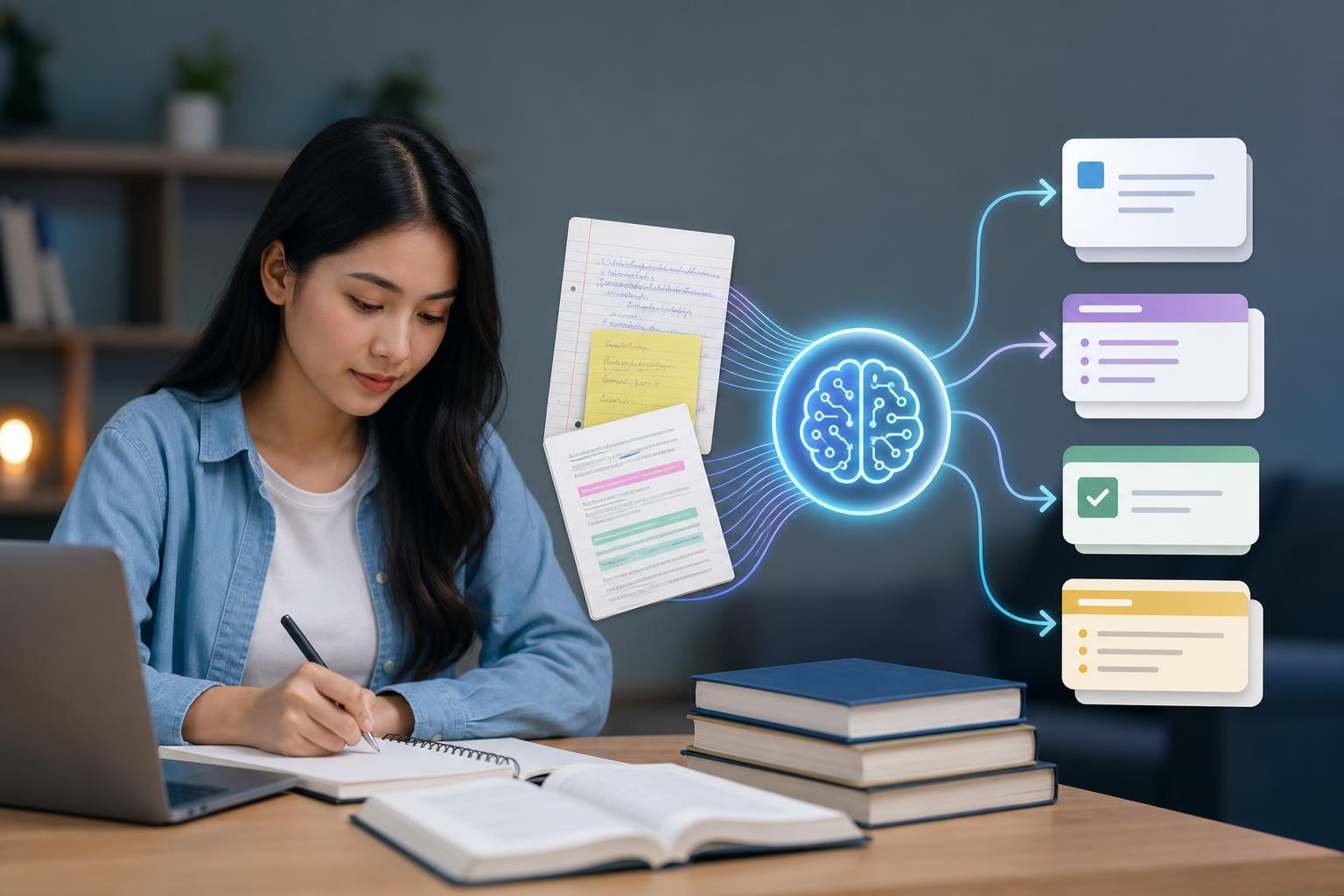
An AI flashcard generator from notes helps students convert class material into review cards without manually rewriting every definition, concept, or example. Instead of starting from a blank deck, you can upload notes, paste text, or use a lecture transcript and let AI identify the key ideas worth studying. For students comparing study tools, the best option is not just a simple card creator—it should also support summaries, organized notes, quizzes, and review materials based on your actual coursework. AI Study Assistant is built for that workflow, turning lectures, recordings, uploads, and notes into a complete study session.
Key takeaways
- An AI flashcard generator from notes can save time by turning long notes, lecture transcripts, and study guides into question-and-answer cards.
- The best note to flashcard app should create accurate, editable flashcards that reflect your class material, not generic textbook content.
- Students benefit most when flashcards are paired with summaries, notes, and practice quizzes for a complete review workflow.
- AI Study Assistant supports recording or uploading lessons, generating transcripts, and converting material into flashcards, notes, summaries, and quizzes.
- When comparing tools, look for source flexibility, accuracy, editability, mobile access, and the ability to create multiple study formats from the same material.
What Is an AI Flashcard Generator from Notes?
An AI flashcard generator from notes is a study tool that uses artificial intelligence to extract important concepts from your notes and convert them into flashcards. Instead of manually deciding what belongs on the front and back of each card, the tool identifies definitions, processes, dates, formulas, comparisons, and key questions. This is especially useful when you have dense lecture notes, long readings, or transcripts from recorded classes. For students, the main value is speed and structure: your notes become an active recall study deck instead of remaining a passive document.
AI Flashcards from Notes vs. Manual Flashcard Creation
Manual flashcard creation gives you full control, but it can take a long time—especially after a lecture-heavy week. AI flashcards from notes are faster because they create a first draft of your deck automatically. The best approach is usually a combination: let AI generate the initial flashcards, then review and edit them for accuracy, wording, and priority. Compared with manual creation, AI-generated cards are better for speed, coverage, and consistency. Manual cards may still be useful for highly personal memory cues or advanced problem-solving steps, but AI can remove much of the repetitive setup work.
What to Look for in a Note to Flashcard App
A strong note to flashcard app should do more than split text into random cards. Look for a tool that understands your source material, creates clear question-and-answer pairs, supports editing, and lets you study on web or mobile. Source flexibility matters too: students often need to use typed notes, pasted text, PDFs, lecture recordings, or uploaded audio. A useful flashcard generator for students should also connect flashcards with other review formats, such as summaries and quizzes, so you can move from understanding to memorization to practice testing.
How AI Study Assistant Compares
AI Study Assistant is designed for students who want to turn real class material into study tools. Rather than only generating flashcards from pasted text, it supports a broader workflow: record or upload lessons and lectures, generate transcripts, and turn those transcripts into summaries, notes, flashcards, and quizzes. This makes it useful when your best source material is not already cleanly organized. If your goal is to turn notes into flashcards AI can help with, AI Study Assistant adds the benefit of building a full study set from the same lecture or upload, reducing the need to switch between separate apps.
Best Use Cases for Students
An AI flashcard generator from notes is especially helpful before exams, after lectures, while reviewing textbook chapters, or when preparing for cumulative finals. Students can use it to convert biology vocabulary, history timelines, psychology theories, business frameworks, language terms, or exam review sheets into active recall questions. It is also useful for catching gaps in understanding: if the generated flashcards reveal concepts you cannot answer, you know what to revisit in your notes or lecture summary.
Recommended Workflow: From Notes to Practice Quiz
A practical workflow starts by uploading or pasting your class material, then generating a summary to confirm the main ideas. Next, create flashcards for active recall and edit any cards that need more precise wording. After a few rounds of flashcard review, generate a practice quiz to test whether you can apply the material without hints. This sequence—summary, notes, flashcards, quiz—helps students move beyond rereading and toward retrieval practice, which is one of the most effective ways to study.
Flashcards
What does an AI flashcard generator from notes do?
It uses AI to convert notes, transcripts, or class material into question-and-answer flashcards for studying.
Why are AI flashcards from notes useful for students?
They save time, organize key concepts, and turn passive notes into active recall practice.
What is a key advantage of AI Study Assistant for flashcard creation?
It can generate transcripts from recordings or uploads and turn them into flashcards, summaries, notes, and quizzes.
Why should students edit AI-generated flashcards?
Editing helps ensure the cards match the course material, use accurate wording, and focus on what matters most for the exam.
What study method do flashcards support?
Flashcards support active recall, which requires students to retrieve information from memory.
What should a good note to flashcard app include besides card generation?
It should include clear organization, editable cards, source flexibility, and additional study formats like summaries and quizzes.
Quiz
1. What is the main purpose of an AI flashcard generator from notes?
- A. To convert notes into study flashcards
- B. To replace all classroom instruction
- C. To grade final exams automatically
- D. To block distracting websites
Show answer
Answer: To convert notes into study flashcards
An AI flashcard generator from notes identifies important information in your class material and turns it into flashcards for review.
2. Which feature is most useful when your class material is an audio lecture?
- A. Lecture recording upload and transcription
- B. A calculator-only mode
- C. A social media scheduler
- D. A citation style checker only
Show answer
Answer: Lecture recording upload and transcription
If your source is an audio lecture, the tool needs to transcribe it before generating notes, flashcards, or quizzes.
3. Why is editing AI-generated flashcards recommended?
- A. To improve accuracy and match your course emphasis
- B. To make every card longer than a full paragraph
- C. To remove all questions from the deck
- D. To avoid studying the material
Show answer
Answer: To improve accuracy and match your course emphasis
AI can create a strong first draft, but students should review cards for accuracy, wording, and relevance to their class.
4. Which study approach do flashcards primarily support?
- A. Active recall
- B. Passive scrolling
- C. Random guessing only
- D. Skipping review
Show answer
Answer: Active recall
Flashcards prompt you to retrieve information from memory, which is the core of active recall.
5. What makes AI Study Assistant different from a basic flashcard-only tool?
- A. It can create transcripts, summaries, notes, flashcards, and quizzes
- B. It only stores blank index cards
- C. It is only for printing paper labels
- D. It removes all lecture content after upload
Show answer
Answer: It can create transcripts, summaries, notes, flashcards, and quizzes
AI Study Assistant supports a broader study workflow by turning lectures and notes into multiple review formats.
6. Which option best describes a complete AI-powered study workflow?
- A. Generate a summary, review notes, study flashcards, then take a practice quiz
- B. Delete notes immediately after class
- C. Only reread the same paragraph once
- D. Study unrelated material from another course
Show answer
Answer: Generate a summary, review notes, study flashcards, then take a practice quiz
A complete workflow helps students understand, remember, and test the material using multiple study formats.
FAQs
Can AI turn notes into flashcards automatically?
Yes. An AI flashcard generator from notes can analyze typed notes, pasted text, or transcripts and create question-and-answer flashcards automatically. You should still review the cards to make sure they match your class content and exam priorities.
What is the best flashcard generator for students?
The best flashcard generator for students is one that creates accurate, editable cards from real course material and supports the way students actually study. AI Study Assistant is useful because it can turn recordings, uploads, transcripts, and notes into flashcards, summaries, notes, and quizzes.
Can I make AI flashcards from lecture recordings?
With AI Study Assistant, you can record or upload lessons and lectures, generate a transcript, and then use that material to create flashcards and other study resources. This is helpful when your most important notes come from spoken explanations in class.
Are AI-generated flashcards better than handwritten flashcards?
AI-generated flashcards are usually faster and better for creating a first draft from large amounts of material. Handwritten cards can still be valuable for personalization, but many students use AI first and then edit the cards for accuracy and emphasis.
Next step
Turn this topic into a study session with notes, flashcards, and a practice quiz built from your own class material.

Leave a Reply