
Listen to this article
How to Make Flashcards From a Lecture Transcript
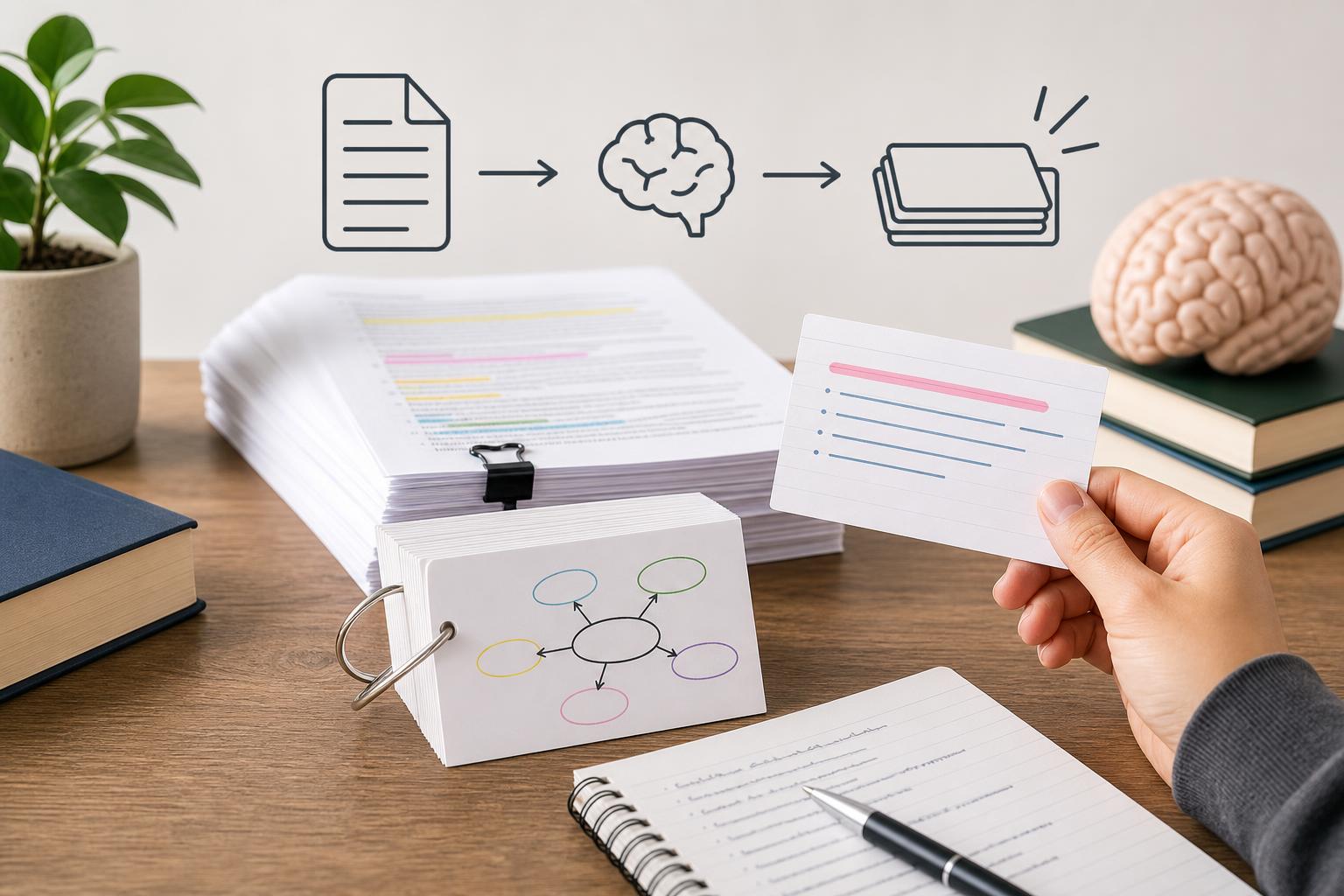
To make flashcards from lecture transcripts, first clean and organize the transcript, then identify definitions, processes, dates, formulas, comparisons, examples, and concepts emphasized by the instructor. Turn each testable idea into a focused question with one concise answer. AI Study Assistant can speed up this process by recording or importing a lesson, generating its transcript, and creating editable lecture transcript flashcards for active recall.
Key takeaways
- Select testable ideas instead of turning every transcript sentence into a card.
- Prioritize definitions, processes, dates, formulas, comparisons, cause-and-effect relationships, and instructor-emphasized concepts.
- Keep each flashcard focused on one idea so you can identify exactly what you know or need to review.
- Use questions that require active recall rather than statements that encourage passive rereading.
- AI Study Assistant can generate editable flashcards directly from recorded or uploaded lessons.
1. Prepare and organize the lecture transcript
Start with an accurate transcript of the lecture. Correct obvious transcription errors in technical terms, names, dates, symbols, and formulas because these mistakes can produce misleading cards. Add headings for major topics and break long blocks of text into smaller sections. If you only have audio, upload or record the lesson in AI Study Assistant to create a transcript before generating study materials. This provides a practical way to make flashcards from audio without manually typing the entire lecture.
2. Find concepts worth turning into flashcards
Scan each transcript section for information you may need to retrieve on a test. Look for **definitions**, such as the meaning of mitosis; **processes**, such as the stages of cellular respiration; **dates and events**, such as what happened in 1776; **formulas**, including what each variable represents; **comparisons**, such as mitosis versus meiosis; and **cause-and-effect relationships**. Also flag likely test concepts signaled by phrases such as “remember this,” “the key difference,” “this will be on the exam,” or repeated explanations. Examples and stories can clarify a card, but they usually should not become separate cards unless the instructor treats them as required knowledge.
3. Turn each concept into an active-recall question
Write a direct question on the front and a concise answer on the back. For example, change “The mitochondrion produces ATP through cellular respiration” into “What is the main role of the mitochondrion?” Avoid copying full transcript paragraphs. A strong card tests one idea, can be understood without the surrounding lecture, and has a specific answer. If an answer contains several independent facts, split it into multiple cards. For processes, create one overview card for the sequence and separate cards for important stages. For formulas, ask for the formula, variable meanings, conditions for use, and a short application.
4. Edit automatically generated flashcards
An AI flashcard generator from lectures can quickly identify candidate concepts, but generated cards still benefit from review. In AI Study Assistant, record a lecture or upload lesson audio, notes, or an existing transcript. The app generates the transcript and turns the material into editable summaries, notes, flashcards, and quizzes. Remove duplicate or low-value cards, correct course-specific terminology, shorten long answers, and split cards that test more than one idea. Automatic study flashcards should match what your instructor taught rather than introduce unsupported details.
5. Improve cards with context and useful formats
Use different card formats based on the material. Definition cards ask what a term means. Process cards ask for the next step or the correct sequence. Date cards connect a date to its event and significance. Formula cards test the equation, variables, units, and when to apply it. Comparison cards ask for one meaningful difference at a time. For difficult material, add a brief example or memory cue to the answer, but do not make the cue so obvious that it gives away the response.
6. Review, refine, and study the deck
Before studying, confirm every answer against the transcript, class notes, slides, or assigned textbook. Then review the cards by attempting each answer before revealing it. Mark cards as easy, uncertain, or difficult and revisit weaker cards more often. If a card repeatedly causes confusion, rewrite it rather than simply memorizing an unclear answer. Combining transcript-based cards with a practice quiz can also reveal whether you can recognize, recall, and apply the lecture’s main ideas.
Flashcards
Which types of lecture content are usually strong flashcard candidates?
Definitions, processes, dates, formulas, comparisons, cause-and-effect relationships, and instructor-emphasized concepts.
What is the main rule for deciding how much information to put on one flashcard?
Each card should test one focused idea.
Why should transcription errors be corrected before generating flashcards?
Errors in terms, dates, names, or formulas can create inaccurate questions and answers.
How can a transcript statement be converted into an active-recall card?
Rewrite the statement as a direct question and place its concise factual response on the back.
What should you do when a flashcard answer contains several independent facts?
Split it into multiple cards so each card tests one fact or relationship.
What should a formula flashcard test besides the equation itself?
It should test variable meanings, units, conditions for use, and possibly a short application.
Which lecture phrases can signal a likely test concept?
Phrases such as “remember this,” “the key difference,” and “this will be on the exam.”
Why should AI-generated lecture transcript flashcards be edited?
Editing removes duplicates, fixes terminology, shortens answers, and ensures the cards reflect the course material.
How does AI Study Assistant create flashcards from a lesson?
It records or imports the lesson, generates a transcript, and creates editable flashcards and other review materials.
What should you do before revealing the answer during flashcard review?
Attempt to retrieve the full answer from memory.
Quiz
1. Which transcript detail is the best candidate for a flashcard?
- A. A repeated definition the instructor says may appear on the exam
- B. A greeting at the beginning of class
- C. A reminder about parking
- D. An unrelated joke
Show answer
Answer: A repeated definition the instructor says may appear on the exam
Repeated definitions and explicit exam cues indicate information that is likely to be testable.
2. What is the best way to handle a card that asks for five unrelated facts?
- A. Add five more facts
- B. Split it into focused cards
- C. Delete the answers
- D. Turn it into a transcript paragraph
Show answer
Answer: Split it into focused cards
Focused cards make recall easier to evaluate and show which specific ideas need more review.
3. Which prompt best supports active recall?
- A. Read this paragraph again
- B. Highlight the definition of osmosis
- C. What is osmosis?
- D. Look at the word osmosis
Show answer
Answer: What is osmosis?
A direct question requires the learner to retrieve the definition instead of passively rereading it.
4. What should you check first when an AI-generated card contains an unfamiliar date?
- A. Whether the date matches the lecture transcript and course materials
- B. Whether the card uses a bright color
- C. Whether the answer is the longest in the deck
- D. Whether another student has more cards
Show answer
Answer: Whether the date matches the lecture transcript and course materials
Generated information should be verified against the source lesson, especially when it involves precise facts such as dates.
5. Which is the most useful set of prompts for learning a formula?
- A. Formula, variable meanings, units, and when to use it
- B. Formula font, page color, and paragraph length
- C. Instructor name, classroom number, and lecture duration
- D. Chapter title, file name, and upload date
Show answer
Answer: Formula, variable meanings, units, and when to use it
Knowing the equation alone is not enough; students should understand its components and application conditions.
FAQs
Can I make flashcards directly from a lecture recording?
Yes. Upload or record the lesson in AI Study Assistant to generate a transcript, then create editable flashcards from the lecture content. Review technical vocabulary, names, dates, and formulas before studying the deck.
How many flashcards should I make from one lecture transcript?
There is no fixed number. Create enough cards to cover the lecture’s testable ideas without converting every sentence. A focused deck of distinct definitions, processes, formulas, dates, comparisons, and emphasized concepts is more useful than a large deck filled with minor details.
Should I copy exact transcript sentences onto my flashcards?
Usually not. Convert notes to flashcards by rewriting important statements as clear questions with concise answers. Use exact wording only when the course requires a precise definition, quotation, rule, or formula.
Next step
Turn this topic into a study session with notes, flashcards, and a practice quiz built from your own class material.
Related guides
- How to make flashcards from a lecture
- How to make flashcards from a lecture recording
- How to turn lecture recordings into study notes
- Cell structure study guide
- Marketing segmentation study guide
- How to record and transcribe lectures
- How to study from lecture transcripts
- Best way to study from a lecture transcript

Leave a Reply