
Listen to this article
How to Make Flashcards From a Recorded Lecture Automatically
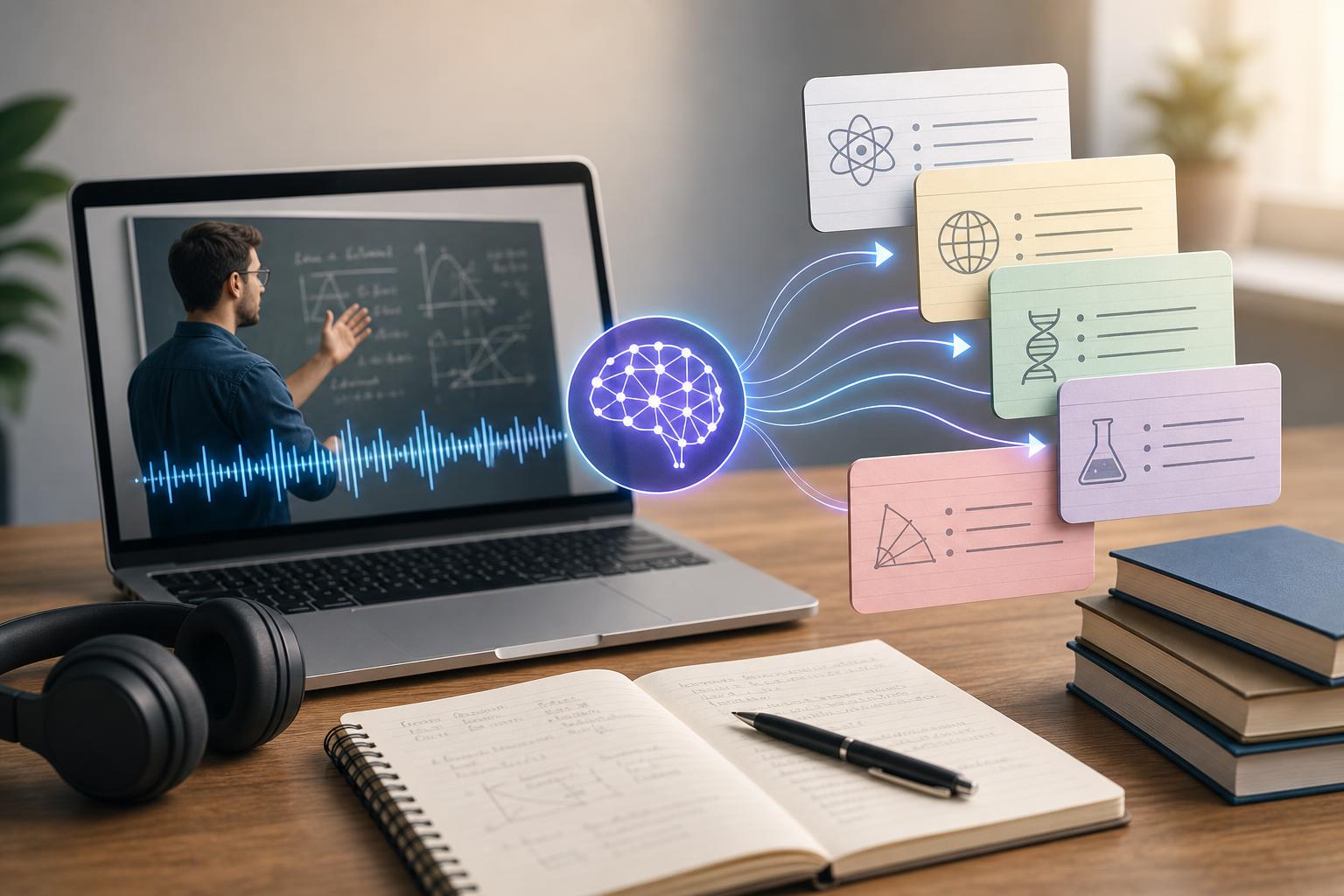
To make flashcards from a recorded lecture automatically, record or upload the lecture to an AI study tool, generate a transcript, review the text for errors, and ask the tool to convert the lesson’s main ideas into question-and-answer cards. Before studying, edit vague or overloaded cards, confirm important facts against your course materials, and organize the final deck by topic. AI Study Assistant combines recording, transcription, summaries, notes, flashcards, and quizzes in one workflow, helping high school and college students move from lecture audio to active recall practice faster.
Key takeaways
- Record clear lecture audio or upload an existing audio, video, notes, or transcript file.
- Review the generated transcript before creating cards, especially for technical terms, names, formulas, and dates.
- Generate focused flashcards that test one fact, concept, process, or relationship at a time.
- Edit weak AI-generated cards by adding context, shortening answers, and removing duplicates.
- Study the finished deck with active recall and spaced review instead of simply rereading every card.
1. Record the lecture or upload an existing lesson
Start with the clearest and most complete version of the lesson available. In AI Study Assistant, you can record a class or upload existing lesson material, then use the resulting transcript as the basis for your study deck. If recording is permitted by your school and instructor, place your device where the speaker can be heard clearly and reduce background noise when possible. For an existing recording, choose the original file rather than a compressed copy. You can also create flashcards from transcripts or class notes when no audio is available. Clear source material improves the quality of both transcription and automatic flashcard creation. If a long recording covers several units, split it into logical sections such as “Cell Division,” “Genetics,” and “Evolution.” Smaller, topic-specific inputs usually produce decks that are easier to organize and review.
2. Generate and review the lecture transcript
Use speech-to-text transcription to convert the lecture audio into searchable text. Before generating flashcards, scan the transcript while checking your slides, textbook, handouts, or class notes. Correct mistakes involving specialized vocabulary, proper names, equations, dates, abbreviations, and words that sound alike. For example, a biology transcript that confuses “mitosis” with “meiosis” could produce inaccurate cards. You do not need to perfect every filler word or repeated sentence. Focus on errors that change meaning. Add headings where the instructor shifts topics, and mark definitions, examples, processes, comparisons, causes, and conclusions. This creates better input for a lecture-to-flashcards AI workflow.
3. Generate flashcards from the audio transcript
After reviewing the transcript, use the automatic flashcard maker to identify study-worthy material. Prioritize learning objectives, key terms, formulas, chronological sequences, cause-and-effect relationships, and ideas the instructor emphasized. AI Study Assistant can turn the lesson into flashcards within the same workflow used to create the transcript, notes, summary, and practice quiz. A useful card should test one clear idea. Instead of asking “Explain photosynthesis,” divide the topic into smaller prompts such as “Where do the light-dependent reactions occur?” and “What is the role of chlorophyll?” Ask for a mix of definitions, conceptual questions, applications, comparisons, and process steps. Avoid generating a card for every sentence; the goal is a focused review deck, not a duplicate of the transcript.
4. Review and improve weak AI-generated cards
Treat automatically generated cards as a first draft. Delete duplicates and cards based on side comments, administrative announcements, or unsupported statements. Check every factual answer against the transcript and trusted course materials. If a card can be interpreted in several ways, add enough context to make the expected answer clear. Shorten cards containing multiple questions or long paragraph answers. One prompt should generally test one retrievable idea. Replace yes-or-no questions with prompts that require recall, and rewrite vague wording such as “What did the professor say about energy?” into a specific question such as “How does the first law of thermodynamics describe energy in a closed system?” For formulas, include variables and units when relevant.
5. Organize and study the finished flashcard deck
Label cards by course, unit, lecture date, and topic so you can review the right material before an exam. You may also tag cards by confidence level or difficulty. Start by answering each prompt without revealing the back. Say or write the answer, check it, and then rate your recall honestly. Review missed and difficult cards more frequently while gradually spacing out cards you answer correctly. Use the transcript, notes, or lecture summary when you need to relearn a weak concept rather than memorizing an answer you do not understand. A short quiz generated from the same lesson can then test whether you can apply the ideas in a different format.
Best practices for higher-quality automatic flashcards
Give the AI specific instructions when possible. Request a target number of cards, identify the course level, name the topic, and ask it to prioritize concepts likely to appear on an exam. You might request: “Create 20 college-level flashcards from this transcript. Test key definitions, processes, comparisons, and applications. Keep each answer under three sentences and do not include administrative comments.” For problem-solving subjects, ask for cards covering formulas, variable meanings, decision rules, and short worked scenarios. For history or literature, request chronology, significance, evidence, themes, and comparisons—not only names and dates. For language courses, include vocabulary in context. Always preserve your instructor’s terminology when it differs from a general textbook explanation.
Flashcards
What is the first step in making flashcards from a recorded lecture?
Record the lecture clearly or upload an existing audio, video, notes, or transcript file.
Why should you review a transcript before generating flashcards?
Transcription errors in terms, names, formulas, or dates can lead to inaccurate flashcards.
What types of lecture content are usually worth turning into flashcards?
Key terms, learning objectives, formulas, processes, comparisons, examples, and cause-and-effect relationships.
How many ideas should a well-designed flashcard usually test?
One clear idea at a time.
How can you improve a flashcard with an overly long answer?
Split it into smaller cards or shorten it to the essential information required for recall.
What should you do with duplicate or irrelevant AI-generated cards?
Delete them so the deck remains focused on useful course content.
How should you check factual claims on automatically generated cards?
Compare them with the reviewed transcript, lecture slides, textbook, handouts, or other trusted course materials.
What is active recall?
Attempting to retrieve an answer from memory before viewing the correct response.
How should difficult flashcards be scheduled for review?
Review them more frequently than cards you consistently answer correctly.
Why is it useful to divide a long lecture into topics before generating cards?
Topic-based sections make the generated cards easier to organize, evaluate, and study.
Quiz
1. What should you correct first when reviewing an AI-generated lecture transcript?
- A. Every filler word and pause
- B. Errors that change the lesson’s meaning
- C. The instructor’s speaking style
- D. All repeated explanations
Show answer
Answer: Errors that change the lesson’s meaning
Mistakes involving technical terms, names, formulas, dates, and similar details can produce incorrect study cards.
2. Which prompt is most suitable for a focused flashcard?
- A. Explain everything from today’s lecture
- B. What are all the facts about photosynthesis?
- C. Where do the light-dependent reactions occur?
- D. Write an essay about plant biology
Show answer
Answer: Where do the light-dependent reactions occur?
The prompt tests one specific concept, making it easier to answer and evaluate through active recall.
3. What should you do if an automatically generated card asks three unrelated questions?
- A. Memorize the complete answer as written
- B. Delete the entire lecture deck
- C. Split it into separate focused cards
- D. Add more unrelated questions
Show answer
Answer: Split it into separate focused cards
Separating the prompts reduces cognitive overload and lets each card test one retrievable idea.
4. Which study method makes the best use of a finished flashcard deck?
- A. Reveal each answer immediately
- B. Copy every answer without testing yourself
- C. Test recall before viewing the answer
- D. Read the cards once in their original order
Show answer
Answer: Test recall before viewing the answer
Attempting an answer first turns card review into active recall practice rather than passive rereading.
5. What is the best response to a factual claim on an AI-generated flashcard?
- A. Assume it is correct because it was generated automatically
- B. Verify it against the transcript and course materials
- C. Keep it only if the answer is long
- D. Replace it with an unrelated fact
Show answer
Answer: Verify it against the transcript and course materials
AI output should be reviewed because transcription mistakes or missing context can create inaccurate answers.
FAQs
Can AI generate flashcards directly from lecture audio?
Yes. A lecture-to-flashcards AI tool can transcribe the recording and use the transcript to generate question-and-answer cards. Review the transcript and cards for errors before relying on them for an exam.
How many flashcards should I make from one recorded lecture?
There is no universal number. Focus on the lecture’s learning objectives and major concepts rather than creating a card for every sentence. A concise deck of distinct, testable ideas is usually more useful than a large deck filled with duplicates and minor details.
Can I create flashcards from a transcript instead of uploading audio?
Yes. You can create flashcards from transcripts, class notes, or other lesson text. Clean up important terminology, add topic headings, and remove unrelated material before generating the deck.
How can I make AI-generated flashcards more accurate?
Use clear source audio, correct meaningful transcript errors, give specific generation instructions, and verify answers against lecture slides, textbooks, handouts, and your reviewed notes.
Next step
Turn this topic into a study session with notes, flashcards, and a practice quiz built from your own class material.
Related guides
- How to make flashcards from lecture notes automatically
- How to make flashcards from a lecture
- How to make flashcards from lecture recordings
- How to make flashcards from a lecture recording
- How to create flashcards from a lecture
- How to make flashcards from lecture notes with AI
- How to study from recorded lectures
- Create practice quizzes from lecture notes

Leave a Reply