
Listen to this article
How to Make Flashcards From Lecture Notes Automatically
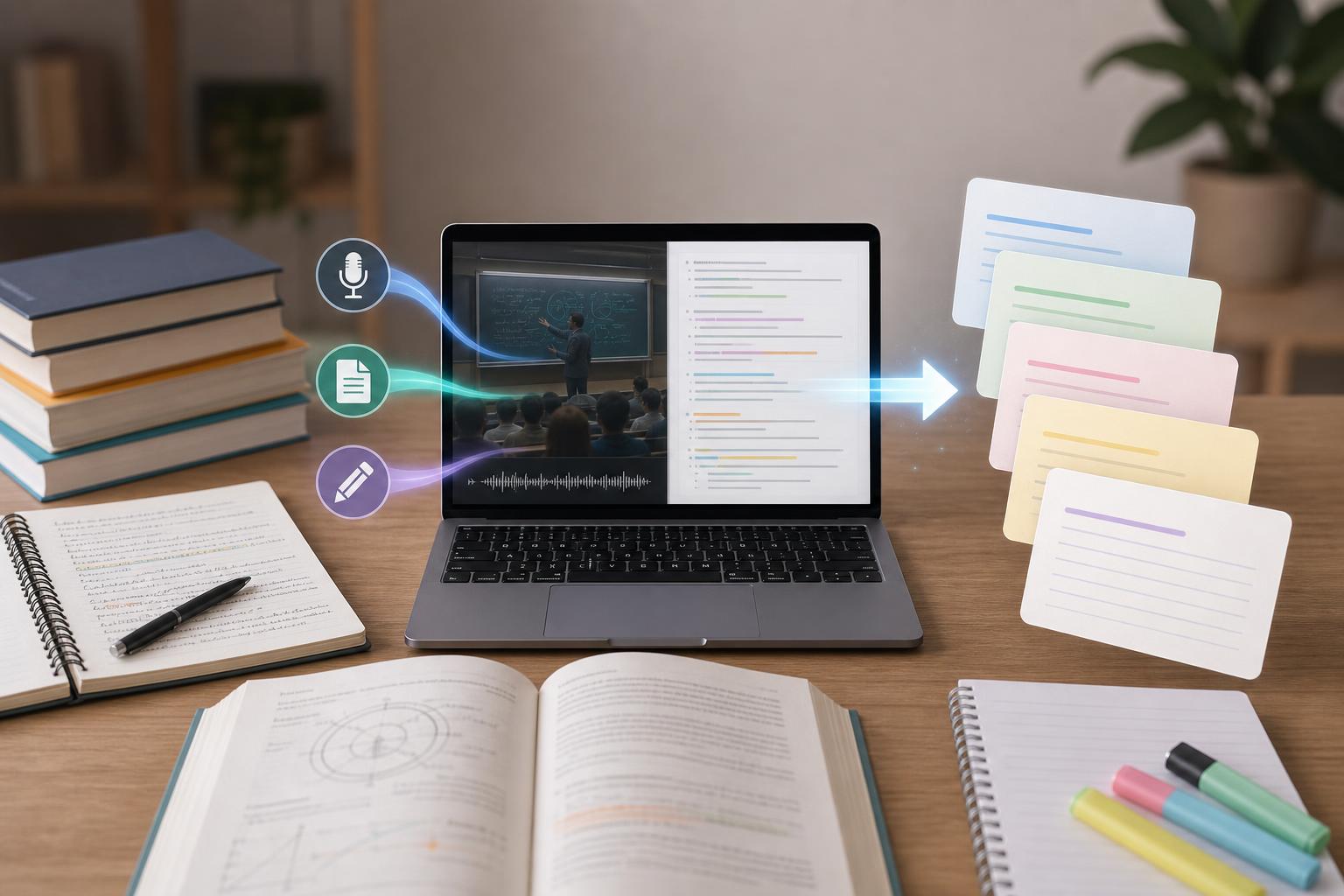
To make flashcards from lecture notes automatically, upload your notes, transcript, or lecture recording to an AI flashcard generator, select the material you need to learn, and generate question-and-answer cards. Then edit the deck so each card tests one clear concept, remove duplicates, verify important facts against your class material, and review the cards with active recall and spaced repetition. This workflow saves time without giving up the careful selection and revision that make flashcards effective.
Key takeaways
- You can create flashcards from typed notes, presentation files, lecture transcripts, or audio and video recordings.
- The best cards test one specific fact, concept, process, comparison, or application at a time.
- Always edit automatically generated cards to correct errors, remove duplicates, and match your course terminology.
- Prioritize learning objectives, definitions, relationships, formulas, processes, examples, and instructor-emphasized ideas.
- Use active recall before revealing each answer, then schedule difficult cards more frequently with spaced repetition.
1. Prepare the lecture material
Start with the most complete source available. You can use class notes, presentation slides, a transcript, or the original lecture recording. If you recorded the lesson, upload the audio or video to a tool that can generate a transcript before creating cards. Check the transcript for errors in names, formulas, dates, technical vocabulary, and words that sound alike. Add headings or divide a long lecture into topics so the AI flashcard generator from notes can distinguish major ideas from supporting details. If your teacher provided learning objectives or a study guide, include them to help prioritize examinable material.
2. Generate focused flashcards automatically
Upload or paste the material into an automatic flashcard maker for students and ask it to create cards from the selected lecture. Generate a manageable first set rather than a card for every sentence. Useful card types include definition cards, concept-to-example cards, cause-and-effect questions, process steps, formula applications, comparisons, and short scenario questions. Ask for one idea per card and concise answers. For example, replace the broad prompt “Explain photosynthesis” with focused prompts such as “Where do the light-dependent reactions occur?” and “What energy-carrying molecules are produced during the light-dependent reactions?”
3. Edit and verify every generated deck
Automatic generation creates a draft, not a finished deck. Compare each answer with the lecture transcript, assigned reading, slides, or instructor notes. Correct factual mistakes and preserve the terminology used in class. Delete cards that repeat the same idea, test trivial details, or reveal the answer in the question. Split cards containing lists or several independent concepts. Add enough context to prevent ambiguity—for example, identify the relevant chapter, theory, historical period, or biological system. Keep answers brief enough to recall, but complete enough to grade consistently.
4. Choose the concepts most worth remembering
Prioritize material connected to course objectives and likely assessment tasks. Strong candidates include key terms, distinctions between similar concepts, sequences, mechanisms, equations, diagrams, recurring examples, and points the instructor emphasized or repeated. Avoid turning every transcript sentence into a card. Background stories, administrative announcements, and facts you can derive easily may not deserve separate cards. For deeper learning, include some application prompts that ask you to identify, compare, predict, calculate, or explain—not only cards that require memorizing definitions.
5. Review with active recall and spaced repetition
Read the question and produce the answer from memory before flipping the card. Saying, writing, or sketching the answer makes the review more active than simply recognizing it. Grade yourself honestly: mark a card correct only when you can recall the essential information without hints. Review missed or uncertain cards sooner, while spacing familiar cards over longer intervals. Shuffle the deck periodically so you do not memorize its order. If a card repeatedly causes trouble, revise it: clarify the wording, divide it into smaller prompts, or return to the lecture to resolve the underlying misunderstanding.
A practical lecture-to-flashcard workflow
A reliable workflow is: record or upload the lecture; generate and clean the transcript; select the relevant lesson or topic; create an initial flashcard deck; verify facts against the original material; split broad cards; remove low-value cards; add application questions; and begin a spaced review schedule. AI Study Assistant can combine these steps by turning uploaded lessons and lectures into transcripts, summaries, notes, flashcards, and quizzes. The automation reduces setup time, while your final review keeps the deck accurate and aligned with your class.
Flashcards
What should you do before generating flashcards from an automatically produced lecture transcript?
Correct transcription errors in important terms, names, formulas, dates, and definitions.
What is the one-concept rule for flashcards?
Each card should test one clear fact, concept, relationship, process, or application.
Why should broad prompts be divided into smaller questions?
Focused questions are easier to recall, grade accurately, and schedule for targeted review.
Which lecture details should usually receive the highest priority?
Learning objectives, instructor-emphasized concepts, key definitions, processes, comparisons, formulas, and likely assessment material.
Why must AI-generated flashcards be verified?
The cards may contain transcription mistakes, factual errors, ambiguous wording, duplicates, or terminology that differs from the course.
What is active recall?
Attempting to produce an answer from memory before viewing the correct answer.
What is spaced repetition?
Reviewing material at increasing intervals while bringing difficult cards back more frequently.
What should you do when one card asks about several independent ideas?
Split it into separate cards so each prompt tests one idea.
Why should a flashcard include enough context?
Context prevents the question from having multiple possible answers or becoming unclear outside the original lecture.
What should you do with a card that remains difficult after repeated reviews?
Clarify or split the card and revisit the source material to address the underlying misunderstanding.
Quiz
1. What is the best first step when creating flashcards from a lecture recording?
- A. Generate or obtain an accurate transcript
- B. Memorize the recording in one sitting
- C. Create a card for every spoken sentence
- D. Remove all examples from the lecture
Show answer
Answer: Generate or obtain an accurate transcript
A clean transcript makes it easier to identify key concepts and reduces errors caused by misheard terminology.
2. Which prompt is most suitable for an effective flashcard?
- A. Explain everything from Chapter 4
- B. What are all the important ideas in biology?
- C. Where do the light-dependent reactions occur?
- D. Write everything the instructor said about photosynthesis
Show answer
Answer: Where do the light-dependent reactions occur?
The prompt tests one specific idea and has a concise, assessable answer.
3. What should you do if an automatically generated card includes three unrelated facts?
- A. Add more facts to make it comprehensive
- B. Split it into separate cards
- C. Delete the answers
- D. Review it only once
Show answer
Answer: Split it into separate cards
Separate cards make recall more focused and allow each idea to follow its own review schedule.
4. Which review behavior best demonstrates active recall?
- A. Reading the question and immediately revealing the answer
- B. Highlighting every answer in the same color
- C. Producing the answer from memory before checking it
- D. Keeping the cards in the same order every day
Show answer
Answer: Producing the answer from memory before checking it
Active recall requires retrieving information rather than merely rereading or recognizing it.
5. Which material should generally be removed from a lecture flashcard deck?
- A. Key distinctions between similar concepts
- B. Instructor-emphasized processes
- C. Duplicate and low-value cards
- D. Questions tied to learning objectives
Show answer
Answer: Duplicate and low-value cards
Removing repetition and trivial details keeps the deck manageable and focused on useful knowledge.
6. How should spaced repetition treat a card you repeatedly miss?
- A. Show it more frequently and revise it if needed
- B. Hide it permanently
- C. Replace it with an unrelated card
- D. Mark it correct without answering
Show answer
Answer: Show it more frequently and revise it if needed
Difficult cards need shorter review intervals, and repeated difficulty may indicate unclear wording or a gap in understanding.
FAQs
Can I create flashcards directly from a lecture recording?
Yes. Upload the audio or video to a tool that transcribes recordings and generates study materials. Review the transcript for technical vocabulary and other errors before finalizing the flashcards.
How many flashcards should I make from one lecture?
There is no fixed number. Create enough cards to cover the lecture’s learning objectives and major concepts without turning every sentence into a question. A smaller, edited deck is usually more useful than a large deck filled with duplicates and minor details.
Are automatically generated flashcards accurate?
They can provide a strong first draft, but accuracy depends on the recording, transcript, and source notes. Verify answers against your course materials, correct terminology, and revise ambiguous or overly broad prompts.
Can I use AI-generated flashcards for both high school and college courses?
Yes. The same workflow applies at both levels, but college decks may require more application, comparison, calculation, and analysis questions rather than definition-only cards.
Next step
Turn this topic into a study session with notes, flashcards, and a practice quiz built from your own class material.
Related guides
- How to make flashcards from a recorded lecture
- How to make flashcards from lecture recordings
- How to make flashcards from lecture notes
- Create flashcards from lecture notes
- Create practice quizzes from lecture notes
- Create practice quiz from lecture notes
- How to create practice quizzes from class notes
- Turn lecture recordings into study notes

Leave a Reply